
How to Choose an OBD2 Scanner (Basic Reader vs. Bidirectional)

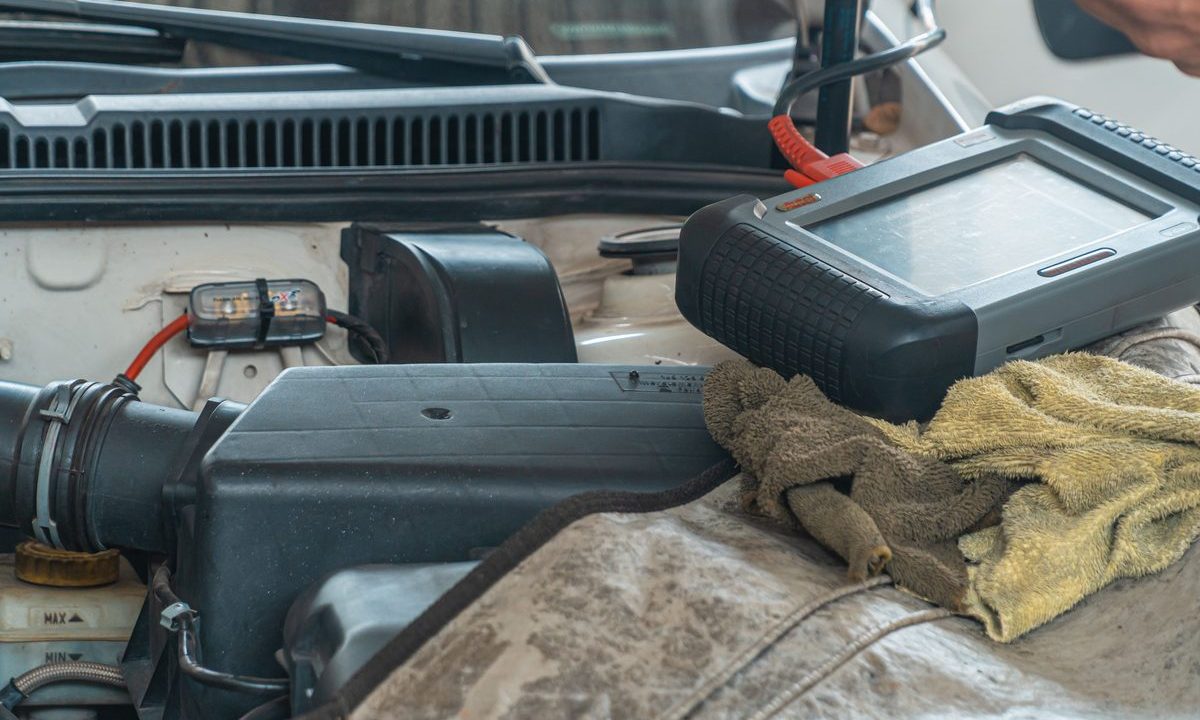
OBD2 scanners run from a $20 Bluetooth dongle to a $2,000 shop tablet, and the listings are a wall of jargon — “bidirectional,” “live data,” “ABS/SRS,” “ECU coding.” Buy too little and it only reads generic codes; buy too much and you pay for dealer features you’ll never open. Since every scanner reads basic codes on any 1996-or-newer US vehicle (federal law mandates it), the real question is what you need beyond that.
Step-by-step: Choosing an OBD2 Scanner
- Match the tier to your goal.
- Code reader — reads/clears generic codes. Cheapest; fine for “what’s my check-engine light?”
- Full DIY scanner — adds live data, freeze-frame, often ABS/SRS. The sweet spot for home mechanics.
- Bidirectional scan tool — sends commands: actuate components, bleed ABS, reset service items, run active tests. For serious DIY and repairs.
- Prioritize the features that matter: live data (watch sensors in real time), freeze-frame, ABS/SRS (airbag) access, and manufacturer-specific (enhanced) codes beyond generic. Bidirectional control is the biggest capability jump.
- Phone-app dongle vs. standalone. A Bluetooth dongle + app is cheap, updatable, and pocketable but depends on your phone and app quality. A standalone handheld/tablet boots instantly, works in the cold, and needs no phone.
- Check compatibility. Confirm 1996+ and CAN support (all modern vehicles), and if you own a hybrid/EV or a specific brand, verify the tool actually covers those systems — budget tools often skip enhanced/OEM coverage.
- Pick by skill and budget: casual owner → budget Bluetooth dongle; regular DIYer → mid-range handheld with live data; heavy DIY or side work → bidirectional.
Buying note: “reads codes” is table stakes. If you plan to actually fix things, don’t buy below the live-data tier.
Pro Tips
- The value inflection point is bidirectional: modern app-based bidirectional dongles now deliver near-shop features for a fraction of standalone tablet prices — but confirm coverage for your make first.
- Live data is what lets you diagnose, not just read; a pure code reader tells you a light is on but not why.
- Enhanced/manufacturer coverage varies wildly between tools and brands — verify your specific car before buying.
Common Problems & Fixes
- Bought a reader, can’t see live data → that tier only reads/clears. Upgrade to a live-data or bidirectional tool.
- App dongle keeps dropping or lagging → often a cheap clone or weak app; a reputable dongle plus a paid app is far more stable.
- Won’t read ABS/airbag codes → a basic tool is powertrain-only; you need one with ABS/SRS support.
- No enhanced codes for my brand → a coverage gap; check OEM support before purchase.
Related on GarageVetted
- Buying guide: Best OBD2 Scanner to Pick in 2026
- How to Diagnose Why Your Check Engine Light Is On (Without a Mechanic)
- How to Read and Clear Check-Engine Codes With an OBD2 Scanner
Basic Reader vs. Bidirectional OBD2 Scanner
A basic OBD2 scanner or Bluetooth dongle only reads and clears generic engine codes and shows live data — perfect if you just want to know why the check-engine light is on. It is cheap and beginner-friendly, but it cannot talk to ABS, SRS (airbag), or other modules.
A bidirectional OBD2 scanner costs more but actually commands components — cycling an ABS pump, resetting service lights, or running actuator tests — which is what shops and serious DIYers need. Decide by how deep you go: buy a basic OBD2 scanner for light use, or a bidirectional one if you do your own repairs. For emissions readiness and inspection rules an OBD2 scanner reports, see epa.gov.
Related reviews
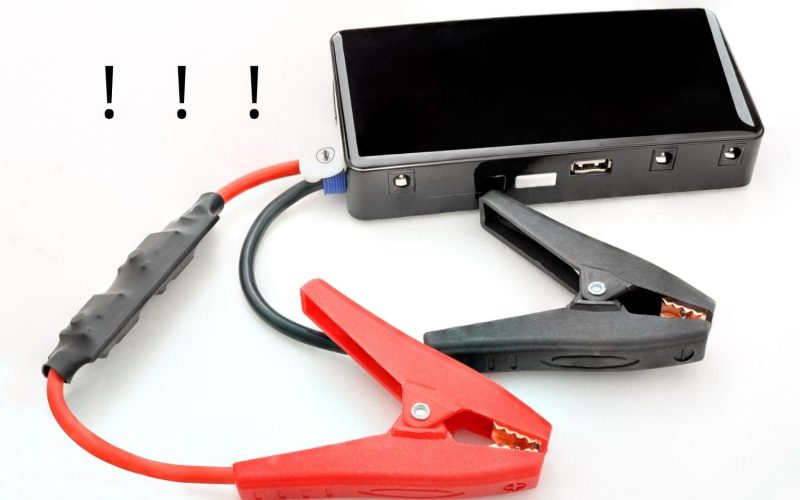
11.1V vs 14.8V Jump Starters: What Really Determines Starting Power?
Peak amps dominate jump starter advertising, but that headline number does not tell you how well a portable booster will…

Airing Down Tires for Off-Roading: Pressures, Technique, and the Fast Way Back Up
Airing Down Tires for Off-Roading: Pressures, Technique, and the Fast Way Back Up Airing down tires for off-roading is the…
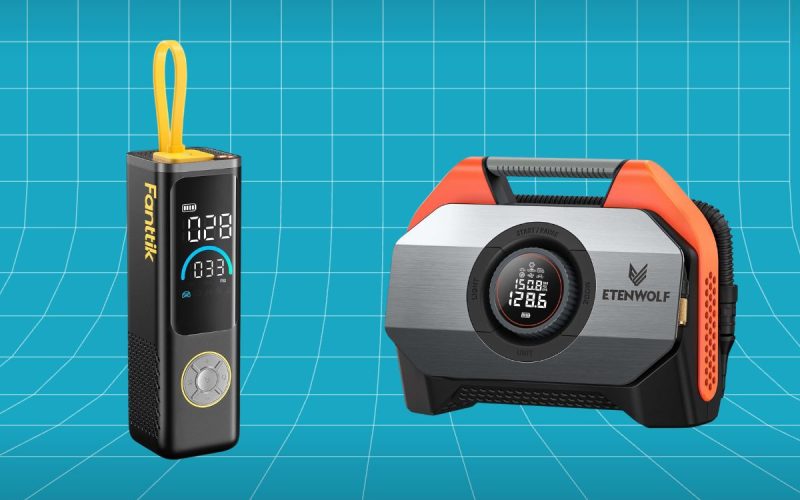
Fanttik X9 APEX vs ETENWOLF VORTEX S6: Premium Tire Inflator Showdown
Fanttik X9 APEX vs ETENWOLF VORTEX S6: Premium Tire Inflator Showdown The Fanttik X9 APEX vs ETENWOLF VORTEX S6 matchup…