
How to Maintain a Robot Vacuum So It Keeps Strong Suction

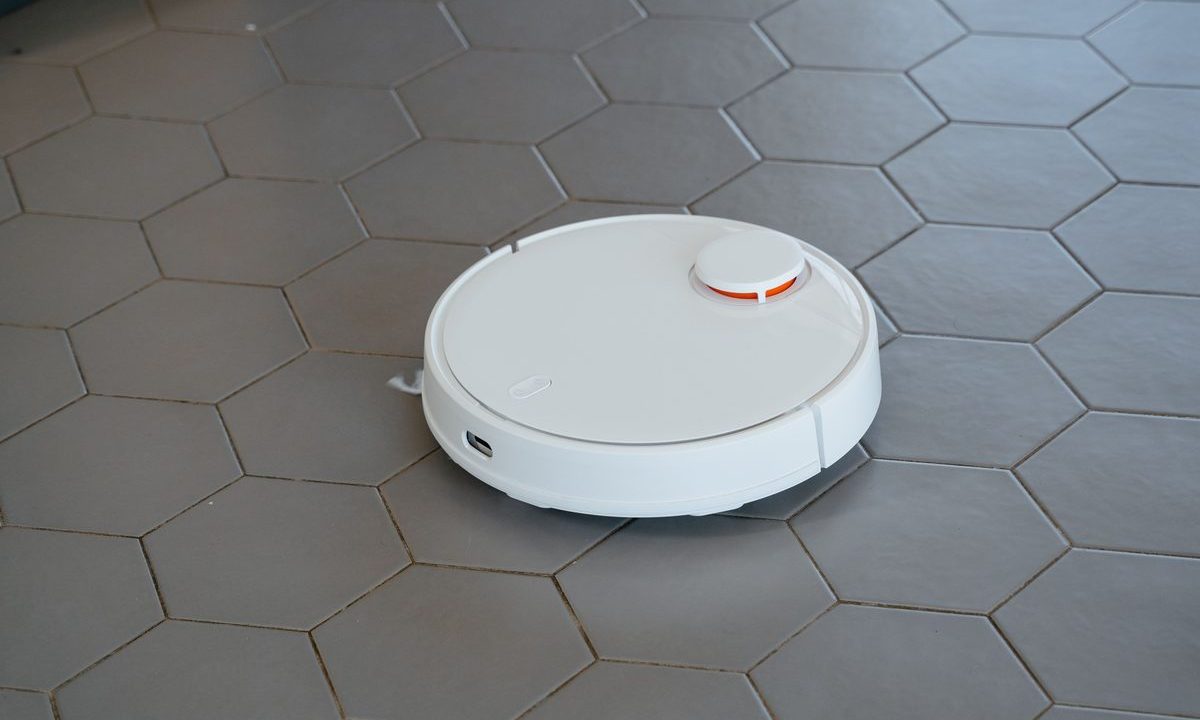
Your robot vacuum has probably said it has ‘lost suction’ many times. I’d imagine the vast majority of times it hasn’t actually broken, it’s just clogged up somewhere. That these little machines are so small it doesn’t take long for hair to get wrapped around the brushroll or for dust to build up in the filters after a week or so to bring the suction power right down. The sad fact is the vast majority of robot vacuum owners clean the machine out until it eventually stops working, after which they just bin it. But a 5 minute clean every now and then will preserve the suction power of the machine and extend its life by something like 100% – until it eventually wears out the motor rather than the brushes and filters which are designed to wear out before it.
Step-by-step: Robot Vacuum Maintenance
- After each run: empty dustbin (if it does not empty itself) and check the brushroll for hair and lint as these tend to clog the most.
- Clean brushes and rollers every week. Remove hair from main brushes and side brushes. Cut hair off around roller if necessary. Clean the wheels with a soft cloth.
- Every 1–3 months: Clean or Change Filters Rinse your washable filters with water. Allow them to completely dry before reinstalling. Your disposable filters will automatically come up for replacement in the app schedule (typically every 2–6 months). A clogged filter is the #1 suction killer at Honeybee3.
- Clean optical/LiDAR sensors and charging contacts. Use soft dry cloths to wipe all charging contacts and optical/LiDAR sensors to ensure clean navigation and charging.
- Mop-pad care (hybrids): After you used your hybrid for mopping, take the mop-pad off and wash it with a very mild soap, dry it completely and change it every 3–6 months or so depending on the wear and tear.
- Replace wear parts on schedule. The Brush and Side brush must be replaced periodically, every few months. The batteries have a 2–3 year lifespan and decrease in runtime before they need to be replaced.
Safety tips: power the unit off before de-tangling brushes, and dry filters and pads completely to avoid mold and odor.
Pro Tips
- The filter is almost always the culprit behind weak suction — check it first.
- Keep a spare set of filters and brushes on hand; swapping is faster and cheaper than living with poor cleaning.
- Dry washable filters and mop pads completely — a damp filter smells and can grow mold.
Common Problems & Fixes
- Weak suction → clogged filter or a hair-wrapped brush. Clean or replace.
- Leaves streaks (mopping) → dirty or worn mop pad. Wash or replace it.
- Won’t dock or charge → dirty charging contacts. Wipe them clean.
- Navigates erratically → dusty sensors. Wipe them with a soft cloth.
Related on GarageVetted
- How to Choose a Robot Vacuum for Pet Hair and Mixed Floors
- How to Set Up a Robot Vacuum for the Best First Clean
A Simple Robot Vacuum Maintenance Schedule
Weekly, empty the bin and cut hair off the main brush and side brush — wrapped hair is the number-one cause of weak suction on a robot vacuum. Every few weeks, tap out or rinse the filter (let it fully dry) and wipe the cliff sensors and camera so the robot vacuum navigates cleanly.
Every couple of months, wipe the charging contacts on both the robot vacuum and its dock so it charges reliably, and check the wheels for debris. If you use a mop pad, rinse it after each run. This ten-minute routine keeps a robot vacuum running for years. For indoor allergen and dust guidance, see epa.gov.
Related reviews

11.1V vs 14.8V Jump Starters: What Really Determines Starting Power?
Peak amps dominate jump starter advertising, but that headline number does not tell you how well a portable booster will…

Fanttik X9 APEX vs ETENWOLF VORTEX S6: Premium Tire Inflator Showdown
Fanttik X9 APEX vs ETENWOLF VORTEX S6: Premium Tire Inflator Showdown The Fanttik X9 APEX vs ETENWOLF VORTEX S6 matchup…

What PSI Should Car Tires Be? The Right Pressure for Every Vehicle
What PSI Should Car Tires Be? The Right Pressure for Every Vehicle What PSI should car tires be? For most…